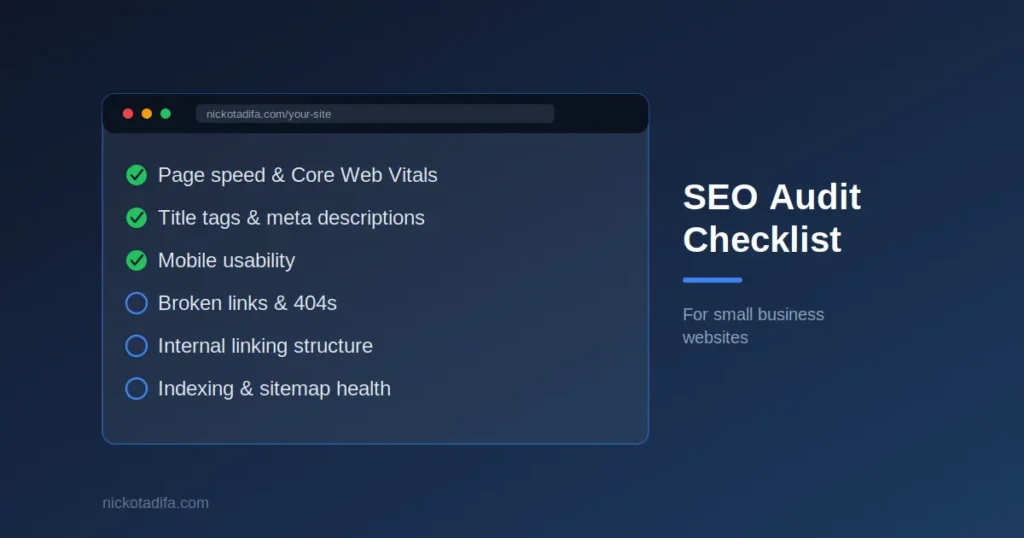
If you’ve never run an SEO audit on your own site, you’re not alone — most small business owners don’t have the time, and agencies love to make it sound more complicated than it is. The truth is, you can catch 80% of the common issues yourself in under an hour, with no paid tools required. Here’s the checklist I run through with every new client, simplified so you can do it too.
Step 1: Check Your Page Speed and Core Web Vitals
Google uses page speed as a ranking signal, and slow sites lose visitors before they even see your content. Run your homepage and one or two inner pages through PageSpeed Insights (it’s free) and look for:
- Largest Contentful Paint (LCP) under 2.5 seconds
- Interaction to Next Paint (INP) under 200 milliseconds
- Cumulative Layout Shift (CLS) under 0.1
If you’re on WordPress, oversized images and too many plugins are the usual culprits. Compressing images and removing plugins you don’t actually use will fix most of this on its own.
Step 2: Review Your Title Tags and Meta Descriptions
Your title tag is the single most important piece of on-page SEO, and it’s the first thing people see in the search results. Go through your main pages and check that each one has:
- A unique title under 60 characters that includes your main keyword
- A meta description under 155 characters that gives someone a reason to click
- No two pages competing for the exact same title or keyword
If you’re using Yoast or a similar SEO plugin, this only takes a few minutes per page — it’s usually the highest-return item on this whole list.
Step 3: Test Mobile Usability
Google indexes your site based on how it looks on mobile, not desktop, and over 60% of searches now happen on a phone. Pull up your site on your own phone and check that text is readable without zooming, buttons are easy to tap, and nothing overlaps or runs off the screen. If something feels cramped or broken on mobile, assume it’s costing you rankings and customers.
Step 4: Find Broken Links and 404 Errors
Broken links waste the crawl budget Google gives your site and frustrate real visitors who came to buy something or book a service. Check Google Search Console’s Pages report for crawl errors, and click through your own main navigation and footer links to make sure everything still points somewhere real.
Step 5: Map Your Internal Linking
Internal links tell Google which pages on your site matter most, and they help visitors find related content instead of bouncing after one page. Look at your best-performing page or post and ask: does it link to your services or contact page? Do your other blog posts link back to it? A handful of intentional links between related pages does more for rankings than most people expect.
Step 6: Confirm Your Site Is Indexable
This sounds basic, but it’s one of the most common issues I find on new client sites: a setting left over from development that’s quietly telling Google not to index the site. In WordPress, check Settings → Reading and make sure “Discourage search engines from indexing this site” is unchecked. Then submit your XML sitemap in Google Search Console if you haven’t already — it’s usually at yoursite.com/sitemap_index.xml.
What to Do With What You Find
Don’t try to fix everything in one sitting. Prioritize by impact: indexability and mobile issues first, since they affect your entire site, then title tags and meta descriptions on your highest-traffic pages, then speed and internal linking. Most small business sites see a noticeable improvement within a few weeks of cleaning up just the first three items on this list.
When to Bring in Help
A DIY audit is a great starting point, but it won’t catch everything — technical issues like duplicate content, crawl budget waste on large sites, or a backlink profile that’s quietly holding you back usually need a closer look. If you run through this checklist and want a second opinion, or you’d rather just hand the whole thing off, I offer a free consultation to walk through what I’m seeing on your site.
5 thoughts on “How to Do a Basic SEO Audit for Your Small Business Website: A Free DIY Checklist”
Comments are closed.